
Reduce VMware Migration Risk: Four Planning Checks for the First 6 Months
In Gartner’s 2026 Strategic Roadmap for VMware Modernization, early-stage planning is positioned as a critical foundation for VMware modernization and migration programs. Industry analyst research has emphasized that VMware modernization requires careful early-stage planning, especially around workload assessment, cost modeling, migration validation, and rollback readiness.
Based on Arcfra’s field experience, these priorities can be translated into four practical checks for enterprise migration teams: workload inventory and classification, cost baseline establishment, pilot migration validation, and rollback planning.
For enterprises planning a VMware replacement or modernization initiative, the first 6 months should be treated as a preparation window. This stage is less about moving workloads quickly and more about building a reliable picture of the current environment, the business impact of each workload, and the operational constraints that will shape the migration path.
1. Workload Inventory and Classification: Avoid “Blind Migration”
Recommended actions:
- Dependency Inventory: Instead of treating VMware environments as a flat list of VMs, organizations should first reconstruct a full dependency map of all workloads. This includes not only application components, but also how they interact across network paths (e.g., VLAN connectivity), storage layers, data flows, and supporting services such as backup systems, security tooling, and identity-related dependencies.
- Business Impact Prioritization: Once dependencies are visible, workloads should be evaluated through a business lens rather than purely technical criteria. Factors such as revenue sensitivity, compliance exposure, and architectural complexity should be used to establish a structured ranking of systems.
- Tailored Migration Strategy: Migration is not a one-size-fits-all process. Depending on workload characteristics and priority, each system can be assigned to a specific end state, such as remaining on the current platform, rehosting, replatforming, refactoring, or retirement.
For example, a healthcare customer categorized workloads based on three key dimensions: business continuity level, system coupling complexity, and hardware dependency. Mission-critical VMs (e.g., those hosting HIS and EMR systems), secondary business VMs (e.g., ESB and integration platforms), and internal service VMs (e.g., payment systems and nursing management platforms) were classified into different tiers.
Based on business-defined disaster recovery objectives (RTO/RPO), the enterprise further designed differentiated migration windows and validation mechanisms for each workload tier.
| Category | Criteria | Typical Applications |
|---|---|---|
| Tier-1 Production (Mission-Critical) | Core production systems with high-concurrency random I/O workloads High compute performance, high storage performance, and ultra-high reliability | HIS, EMR, LIS, Ultrasound (US), RIS, PACS online storage |
| Tier-2 Production (Core Supporting Systems) | Non-core production systems with high-concurrency random I/O workloads High compute performance, high storage performance, and high reliability | ESB, integration platforms, data warehouses |
| Internal Network Business | Non-core production systems with moderate-concurrency random I/O workloads High compute performance, moderate storage performance, and high reliability | Payment systems, nursing management, hospital administration, pharmacy management, PDA systems, regional medical consortium platforms, nutrition management, surgical management |
| Management Systems | Office systems with general compute, storage, and reliability requirements | OA systems, finance systems, email systems |
| DMZ Systems | DMZ zone workloads with general compute, storage, and reliability requirements | Internet hospital services, official websites, appointment booking, online registration, follow-up systems, SMS services, surgical traceability systems, edge/front-end gateways |
| Non-Real-Time / Data Platform Workloads | Medium compute, storage, and reliability requirements | Data-platform-related services |
2. Establishing a Cost Baseline: Building a Quantitative TCO Model
Recommended actions:
- Assess licensing risk: Enterprises should not only review existing VMware licensing agreements, but also actively simulate how different strategic directions, such as maintaining current deployment, partially exiting, or fully replacing the stack, would affect long-term financial exposure. Renewal cycles and contract breakpoints should be treated as key risk triggers in cost planning.
- Establish a cost control baseline: According to Gartner’s assessment, migration costs can reach USD 500–1,000 per virtual machine, excluding additional overhead such as staff training and overlapping licensing during dual-run periods. Storage migration is typically estimated at USD 50–150 per terabyte. In addition, staffing requirements are projected at 2.1–7.3 full-time employees per 1,000 operating system instances. A standard migration program generally spans 18–36 months as a baseline planning horizon. Enterprises can leverage these metrics to quantify total migration expenditure and implement structured cost governance.
3. Prioritize Workloads and Conduct Pilot Validation: “Dual-Track Parallel” Verification
Recommended actions:
- Workload Migration Prioritization: Based on architecture, dependency relationships, and data workload volume, migration priorities should be classified into three levels: high, medium, and low. A POC (Proof of Concept) should be conducted to validate whether the classification accurately reflects real-world migration complexity and risk.
- Prioritizing High-Risk, Low-Operability Workloads: Certain workloads may be both business-critical and operationally difficult to migrate. These should be intentionally selected as early testing targets. The goal is stress-testing the boundaries of feasibility so that hidden constraints surface early in the program lifecycle instead of emerging during large-scale cutovers.
- “Dual-Track Parallel” Migration Approach: Two parallel environments should be established to conduct both migration feasibility validation and production-grade migration testing:
◦ Validation of migration feasibility: Highly complex systems are used as experimental candidates to test architectural boundaries and operational resilience.
◦ Validation of production-grade migration: Workloads with higher portability are migrated under controlled but production-like conditions to verify end-to-end readiness of migration tooling and processes.
For example, a manufacturing customer classified nearly 300 business VMs into four categories — Class A, Class B, Class C, and Special Objects — based on business continuity, system dependencies, data volume, and available migration windows.
Adopting the strategy of “validating high risks first, batching with customized windows, and drilling before switching,” the enterprise carried out migration validation and cutovers in batches for VMs across different categories.
| Category | Criteria | Typical Applications | Migration Strategy |
|---|---|---|---|
| Class A VMs | Vital. Downtime can impact the overall operation of production. Core businesses with the highest priority. | MES, Automation, SAP | Secured with top priority. Prior to migration, migration drills and mock spin-ups are conducted to verify OS booting, business services, network connectivity, and application availability before entering formal cutover. |
| Class B VMs | Important. Downtime can impact single-system operations, which may cause large-scale unavailability of a specific business system and affect regular business operations. | SRM, Supply Chain, Laboratory Systems, APS, etc. | Treated as the second priority. Migration is executed in batches aligned with windows confirmed by business departments. Typically scheduled during weekends or off-peak hours on weekdays. Data synchronization, mock spin-ups, and business validation are completed before migration to mitigate formal cutover risks. |
| Class C VMs | Important but non-core production business. The impact of downtime is relatively controllable and does not directly affect overall production operations. | HR Systems, PFMEA Testing, Golden Tax, Network Management, Dining | Handled as general or flexibly scheduled business, progressing in batches based on resource schedules and migration windows. For testing, supporting, and non-production critical VMs, migration can be arranged at any time or after holidays once business impacts are confirmed. |
| Special Objects | Special VMs. | AD Domain, licensing-bound systems, and other special workloads. | Rebuild AD and import data. For licensing-bound systems, license reuse is achieved by modifying MAC addresses, hostnames, etc., based on their binding characteristics. If modifications are not possible, contact vendors in advance to regenerate authorization codes. |
4. Making Migration Rollback Plans: Guarantee Business Continuity
Recommended actions:
- Define Risk Mitigation and Rollback Strategies: Migration planning must include explicit rollback design from the outset. This involves defining system reversion mechanisms, continuity safeguards during failure scenarios, and failover triggers when migration steps do not behave as expected.
VMware modernization is a marathon, not a sprint. During the most critical first 6 months, “understanding the current state” is far more important than “moving fast.”
By discovering workloads, calculating cost baselines, validating through pilots, and preparing rollback plans, enterprises can not only cope with the cost pressures brought by Broadcom but also seize this opportunity to complete a generational upgrade of their infrastructure, building an open and more agile digital foundation.
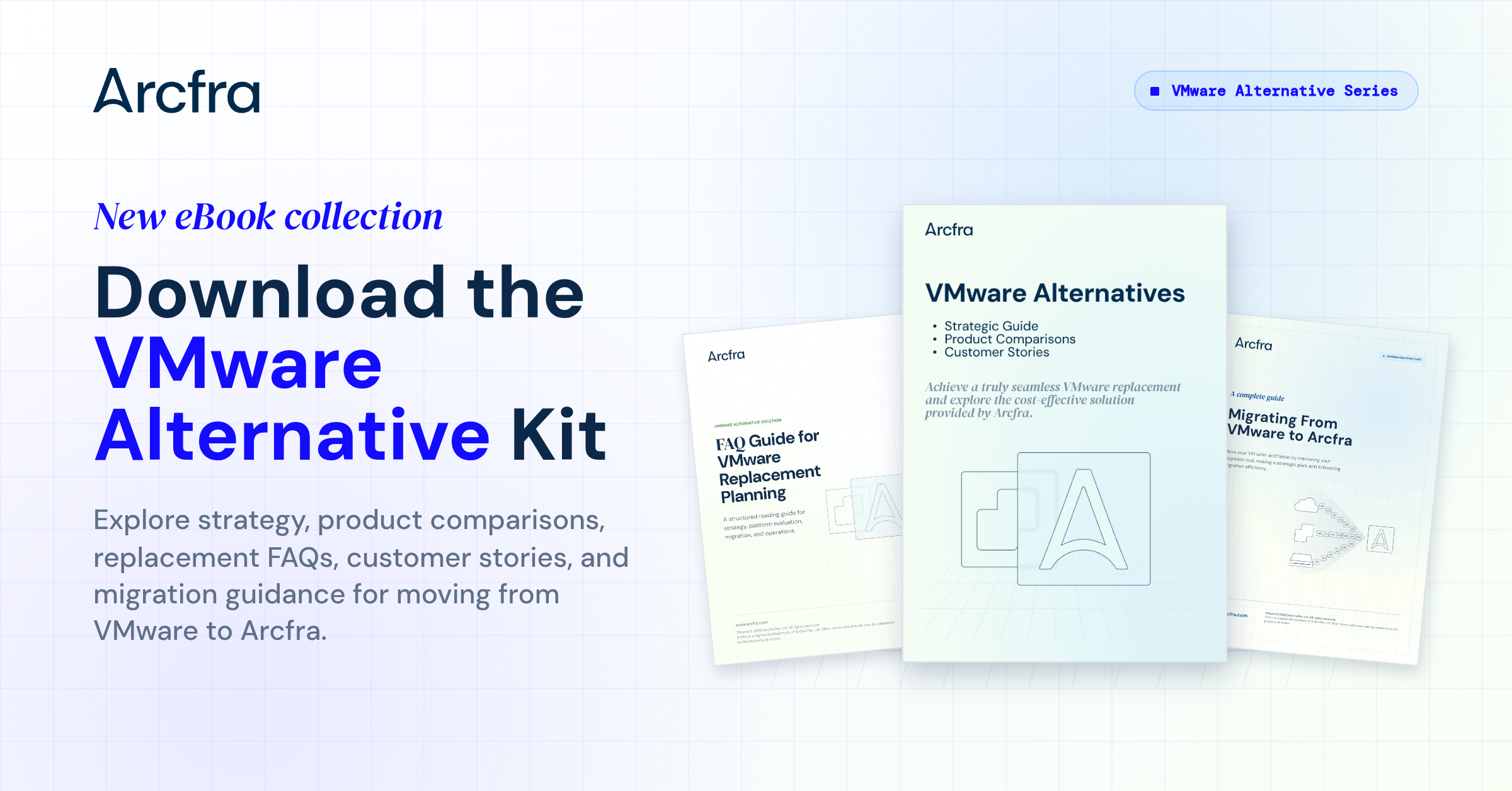
With Arcfra Enterprise Cloud Platform (AECP), users can achieve a complete exit from VMware VVF/VCF as well as better price performance. Enterprises can use Arcfra Migration Tools to easily migrate VMs from VMware to Arcfra Virtualization Engine (AVE), reducing the impact on business services and allowing effortless and seamless migration from VMware. Download the eBook Migrating From VMware to Arcfra: A Complete Guide to guide your migration journey!
Learn more:
VMware Alternative Guidebooks 2026: The Definitive Guide to Strategy, Evaluation, and Migration
What Is Gartner’s 3-Phase Migration Plan?
What Are the Real Costs of VMware Migration?
Navigating VMware Migration: From Planning to Execution
Accelerating Your VMware Migration: The Tech Behind Arcfra Migration Tool
Top 5 Questions for VMware Replacement: vSphere Alternatives and VM Migration Guide
How to Achieve a Full-Stack VMware Replacement?
Navigating the VMware Shake-Up: A Must-Read Guidebook for VMware Replacement
Arcfra simplifies enterprise cloud infrastructure with a full-stack, software-defined platform built for the AI era. We deliver computing, storage, networking, security, Kubernetes, and more — all in one streamlined solution. Supporting VMs, containers, and AI workloads, Arcfra offers future-proof infrastructure trusted by enterprises across e-commerce, finance, and manufacturing. Arcfra is recognized by Gartner as a Representative Vendor in full-stack hyperconverged infrastructure. Learn more at www.arcfra.com.